Smart Meter Check
A report with everything known about a connection.
The Smart Meter Check creates a report with everything known about a connection. The Smart Meter Check is in the menu once it has been switched on for your account.
Meterbeheer requests from the grid operator, through EDSN:
- whether it is an electricity or gas connection
- whether it is a small or large consumption connection
- who the grid operator is
And about the meter:
- whether a smart or an analogue meter is installed
- when the current meter was installed
- whether the smart meter can be read remotely
- what the status of the connection is (active, out of service and so on)
Sample report
Download a sample report.
Request a Smart Meter Check
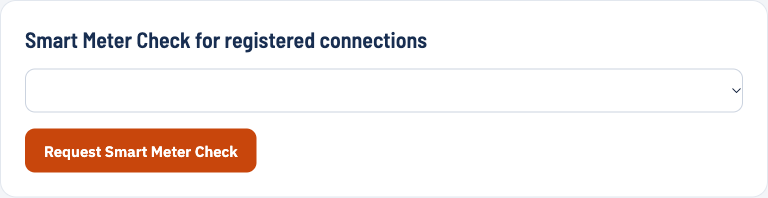
For an EAN that is already in your account: pick the EAN and click Request Smart Meter Check. Meterbeheer requests the details from EDSN and sends the report as a PDF within 24 hours.
Is the EAN not in your account? Then enter the EAN and, as a check, the meter number. The meter number is on the smart meter of the connection.
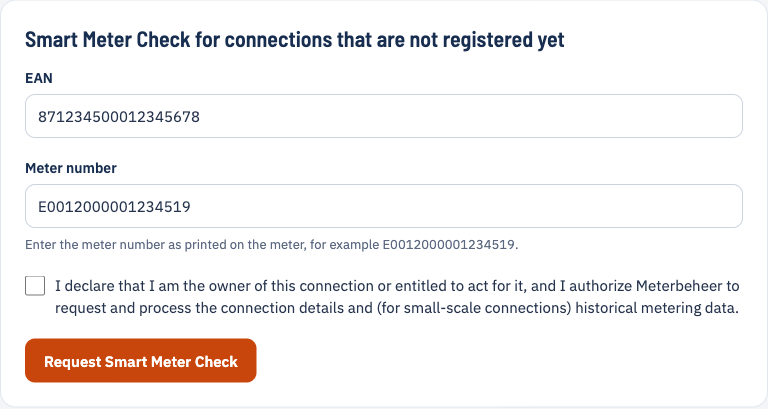
Tick the consent statement and send the request. The report arrives within 24 hours.
Historical data (small consumption)
Besides the report, Meterbeheer also requests all historical data. The grid operators supply as standard:
- 10 days of quarter-hour data (electricity) or hourly data (gas)
- 40 days of daily data
- 13 months of monthly data
You receive it within 24 hours as a link to a CSV file.