
Enphase
Connect your Enphase account and pick your systems.
You connect an Enphase solar panel system with your Enphase account. You don't need to look up an API key or site ID.
Connect Enphase
- On the dashboard, click Add feed and pick Enphase.
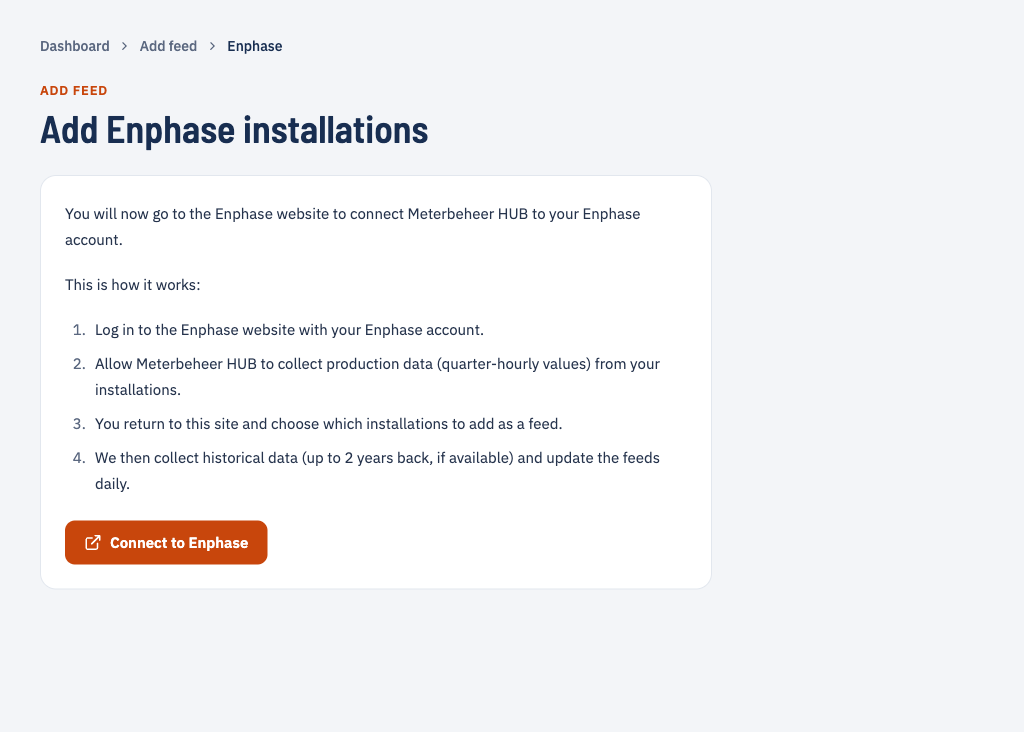
- Click Connect to Enphase. You go to the Enphase website.
- Log in with your Enphase account and give Meterbeheer HUB permission to collect the production data of your systems.
- Back in Meterbeheer HUB, tick the systems you want to add as a feed and fill in the requested details for each system.
Channel
- production: generation per quarter hour (kWh)
Historical data
When you add a system, Meterbeheer collects its production up to 2 years back, as far as Enphase has it.
Availability
Enphase allows only a limited number of requests per month. When the data of a day is missing, Meterbeheer therefore retries less often than for other metering services.