Add a meter
Through the dashboard or the API, per metering service.
You add a smart meter or solar panel system through the dashboard or through the API. Every meter becomes a feed.
What is a feed?
A feed is the metering data of one meter, which Meterbeheer updates every day. A meter has one or more channels, for example consumption and feed-in, and every channel has its own JSON URL. You read that URL with your own software. On the feed's page in the dashboard you can also download the data as a CSV file.
Through the dashboard
On the dashboard, click Add feed.

Then pick the metering service or the brand of the solar panel system.
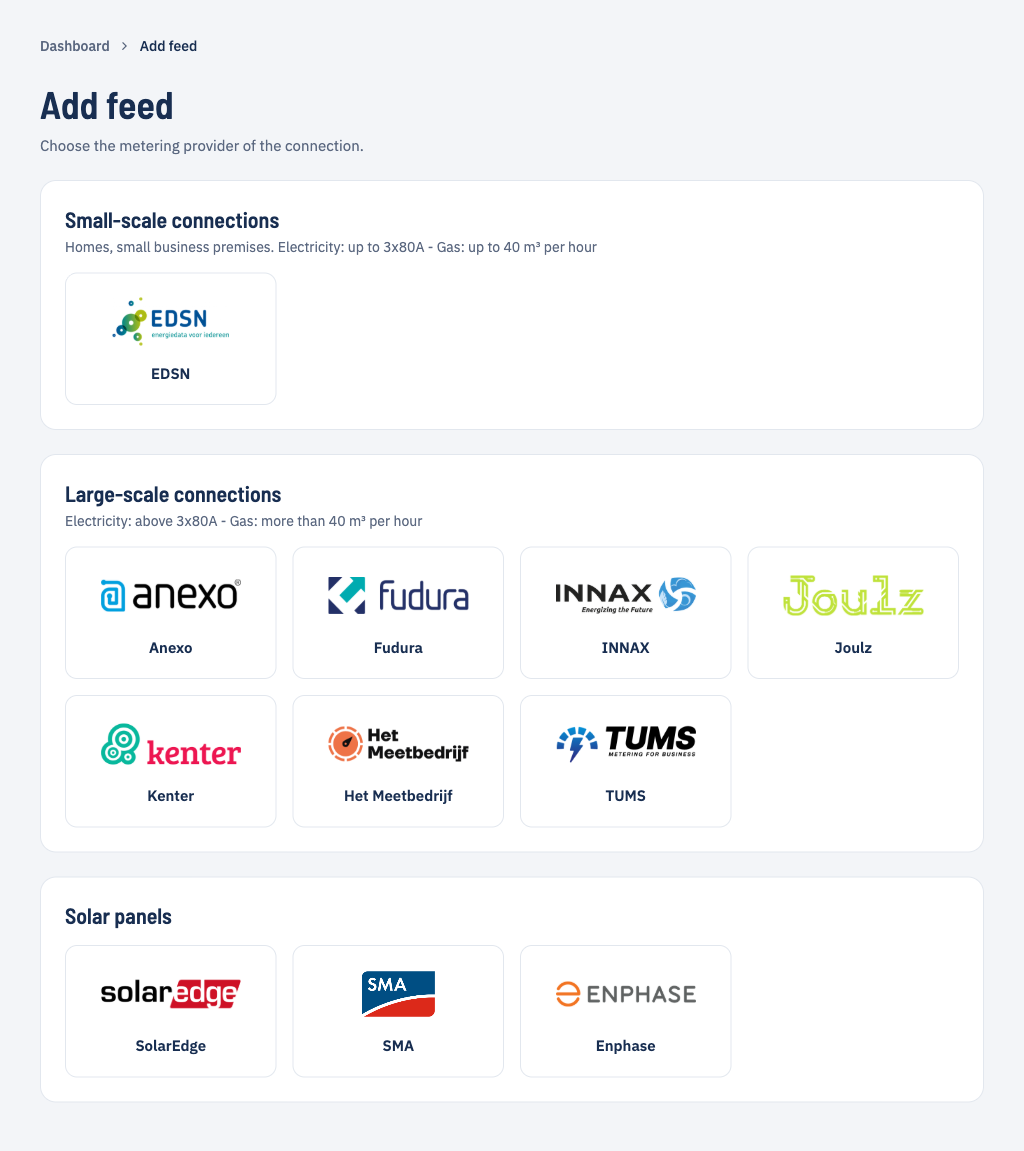
Each metering service asks for different details to check that you may collect the metering data. Which details, and where to find them, is described per metering service under Connect a metering service.
Small consumption means homes and small business premises: electricity up to 3x80A, gas up to 40 m3 per hour. Above that is large consumption.
After adding
The dashboard shows the status of every feed. The filters at the top show which feeds need attention.
| Filter | Status | What it means |
|---|---|---|
| Pending | Awaiting ID verification | Meterbeheer checks with the metering service that the details are correct. |
| Pending | Awaiting first data | The check succeeded; the first metering data is on its way. |
| Active | Active | The feed receives metering data. |
| Action needed | ID verification failed | The details are wrong, for example because the EAN and meter number don't belong together. |
| Action needed | Retrieval error | The metering service returns no data. The error message is on the feed's page. |
| Inactive | Inactive | The feed no longer collects data. |
When the metering data is ready is described under Metering data availability.