Fudura
Authorization, customer number and channels at Fudura.
Fudura Tele-API
Sharing metering data through Fudura requires a Fudura Tele-API subscription. The owner or user of the connection takes it out.
Authorization
In addition, send a completed authorization to Fudura. Download the authorization and email it, completed, to info@fudura.nl.
Customer number and contract number
A Fudura meter needs the customer number. The customer number is not the same as the contract number. It is on the contract with Fudura and on the Fudura invoice.
Download an invoice
You download an invoice in the dashboard at fudura.nl. The owner of the connection has the login details. Are they not available? Then contact Fudura customer service: info@fudura.nl, +31 23 238 38 38.
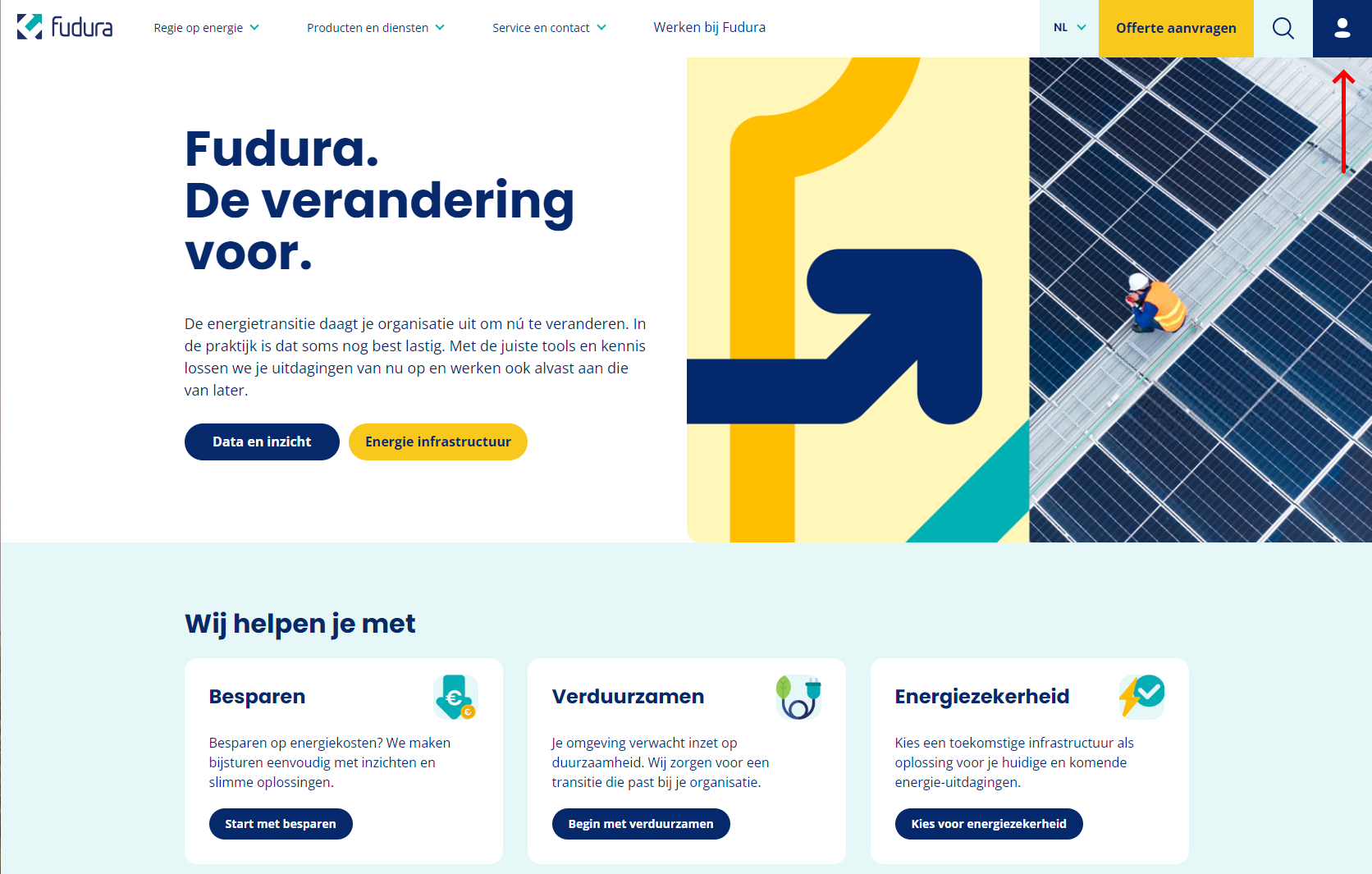
Go to fudura.nl and click the account icon at the top right.
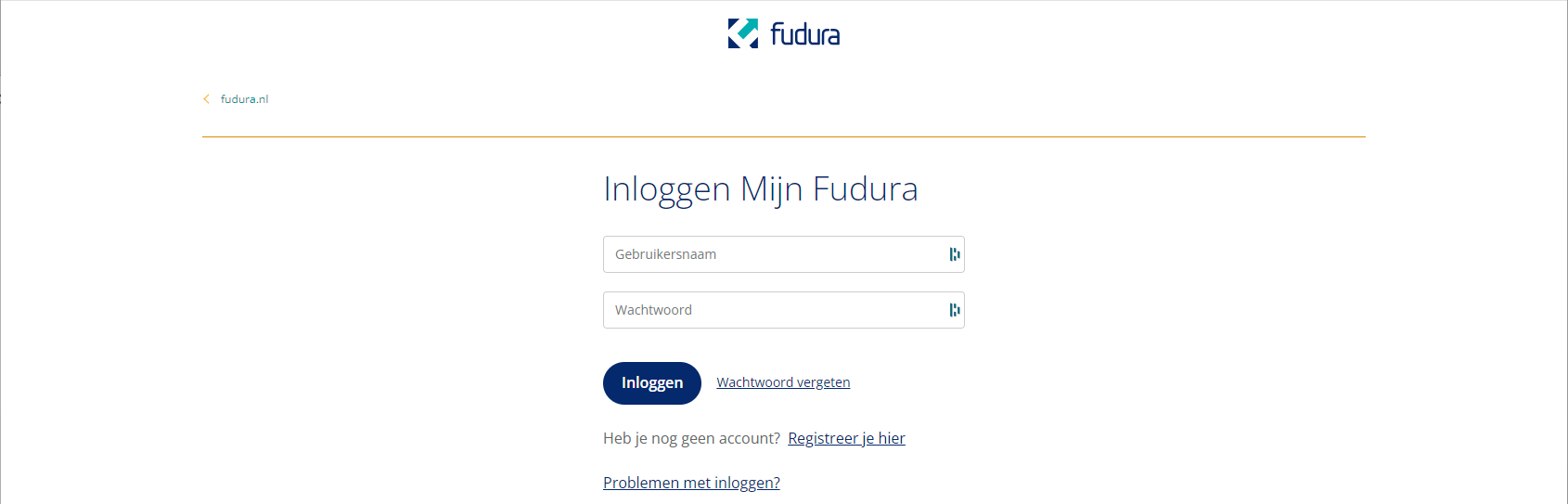
Log in with the login details of the owner of the connection.
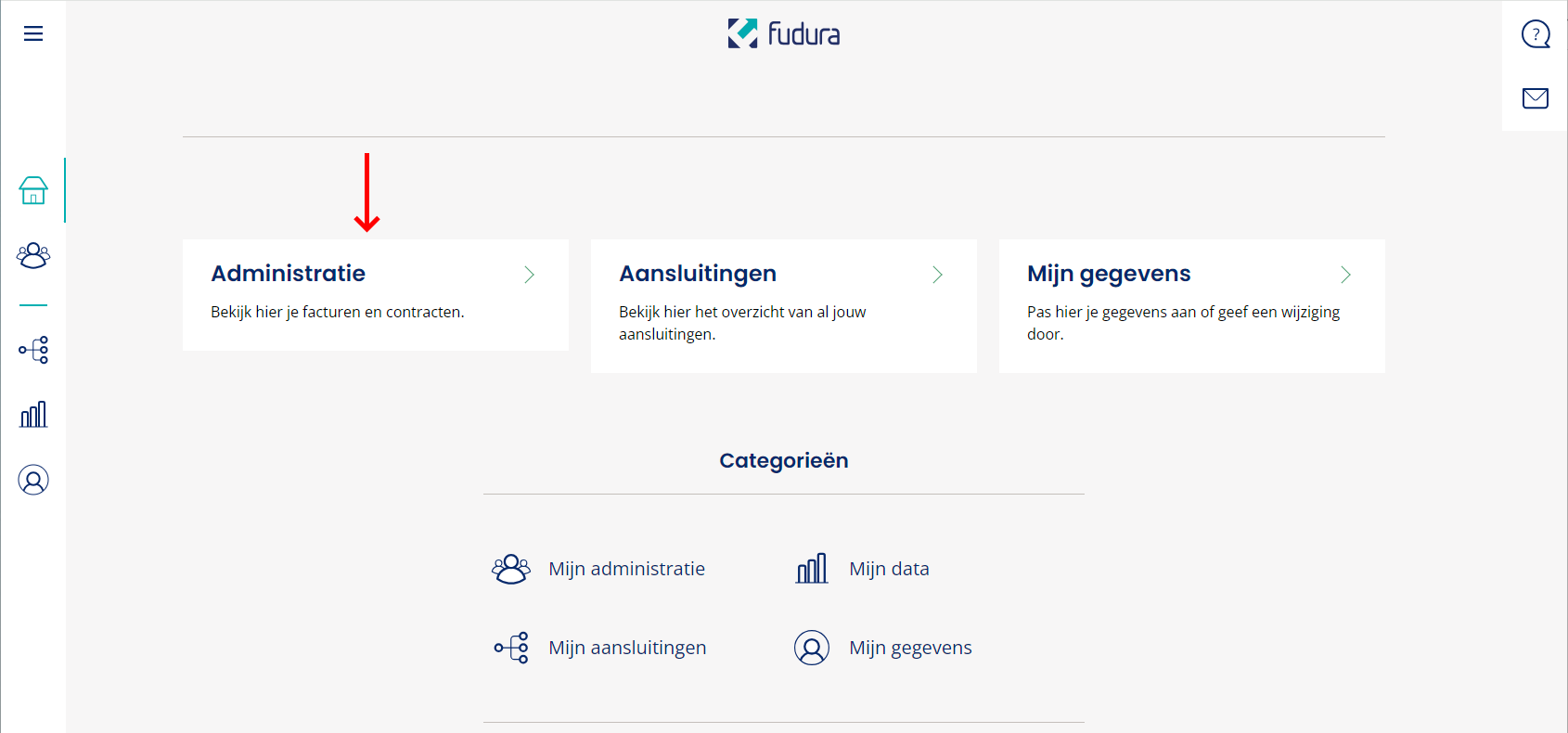
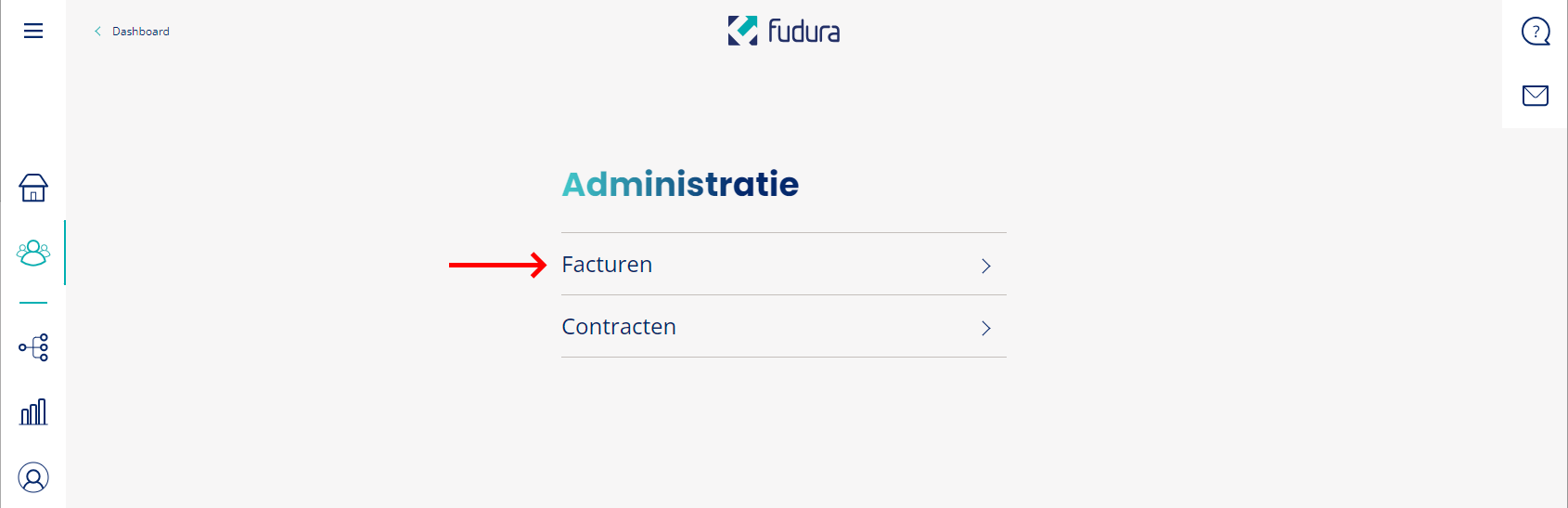
After logging in, click Administratie (Administration).
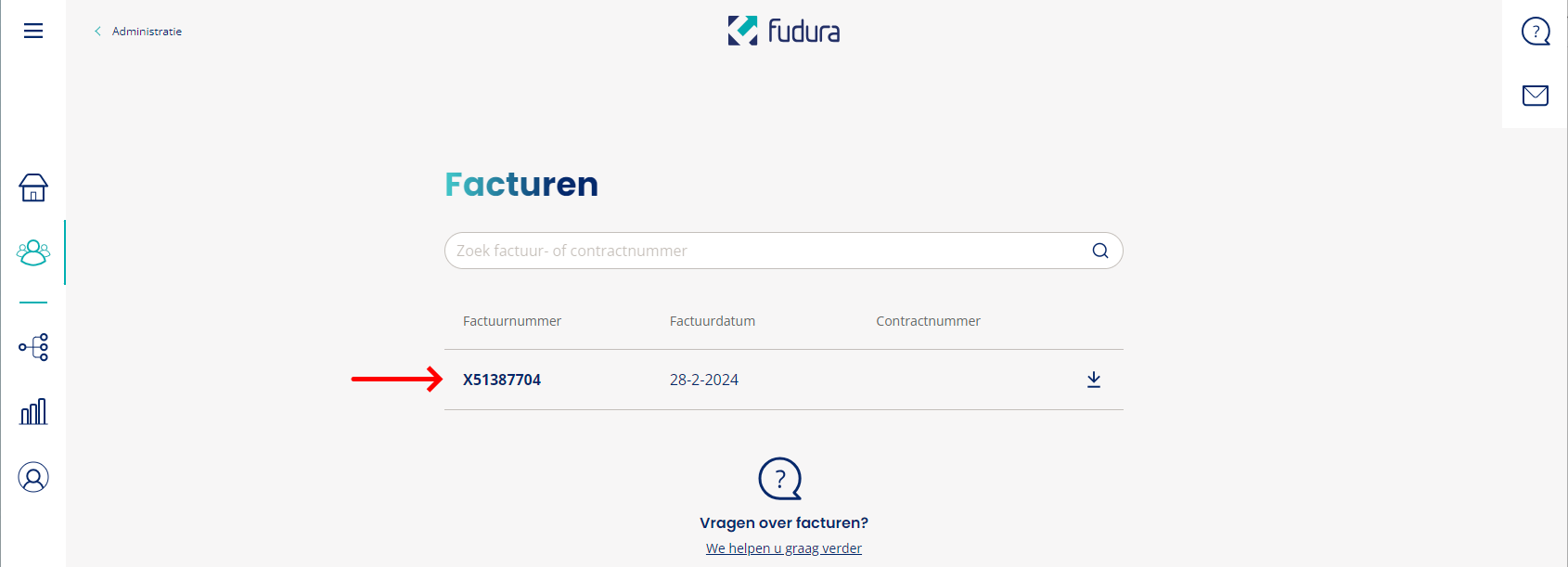
Then click Facturen (Invoices).
Download an invoice. It shows the customer number and the EAN codes of all connections.
Channels
When you add a meter, you pick which channels the feed reads, such as 5-minute values or net consumption. You change them later on the feed's page. By default these are:
Electricity
- ELCLAx15: consumption per quarter hour (kWh)
- ELCOAx15: feed-in per quarter hour (kWh)
Gas
- GLCLGx: gas consumption per hour (m3)
- GLCLNx: gas consumption per hour, converted volume (m3), available instead of GLCLGx
Add the meter
With the customer number, you add the meter through Add feed in the dashboard. See Add a meter.